Your videos, on your car’s screen.
CarVue plays videos saved on your iPhone and videos from online sources, like websites, M3U playlists and Xtream Codes, right on your CarPlay display.
Free to download. For iPhone with iOS 26 or later. No account needed.
CarVue on a CarPlay screen. Tap the tabs to look around.
Two ways to watch
Bring videos with you, or stream them from the internet. Either way, they play on the car screen with CarVue’s own player.
Saved on your iPhone
Your own videos, ready to watch anywhere, even with no signal.
- Import from Photos or Files, one video or many at once.
- Copy from your computer with Finder or the Files app.
- Works offline, perfect for long drives and remote places.
- Thumbnails and favorites so the right video is easy to find.
- MP4
- MOV
- M4V
- MKV
- AVI
- TS
From online sources
Add the sources you already use and stream from many places on the web.
- Websites in a browser made for the car screen, with full-screen video.
- M3U and M3U8 playlists from a link or a file, sorted by category.
- Xtream Codes accounts with live TV, movies and series.
- Links you share from Safari or any app, sent straight to the car.
- Websites
- M3U
- M3U8
- Xtream Codes
- HLS
- IPTV
CarVue is a player. It doesn’t include any channels, movies or videos: you add your own files and sources.
Ready in three steps
-
Add your videos
Open CarVue on your iPhone and import videos, or add an online source.
-
Connect to CarPlay
With a cable or wirelessly. CarVue shows up on your car’s screen.
-
Press play
Use the touchscreen, knob or touchpad, and pick up right where you left off.
Made for the car screen
Big targets, simple tabs and controls you can reach, whether your car has a touchscreen, a knob or a touchpad.
In the car
Live TV, movies and series
Channels by category, movie posters, and series with their seasons and episodes.
A web browser for the car
Tabs, favorite sites and full-screen video on the websites you visit.
Plays almost anything
Hardware-accelerated playback, plus the VLC engine for MKV, AVI and live streams.
Controls that make sense
Skip 15 seconds, next and previous, picture fit (original, fill, stretch, scale) and a mini player.
One search for everything
Find a video, movie, series or channel from a single search.
Keyboard and voice typing
An on-screen keyboard in the car, dictation, or type on your iPhone instead.
Knob, touchpad and steering wheel
Every button works with your car’s controls, and the steering wheel skips to the next video.
On your iPhone
Cast your screen
Show any app from your iPhone on the car display, in full screen.
Send to CarVue
Share a video or web page link from any app and it opens on the car screen.
Continue watching
Resume where you left off, with favorites and recents always at hand.
Private by design
No account, no ads, no tracking. Your lists and passwords stay on your iPhone.
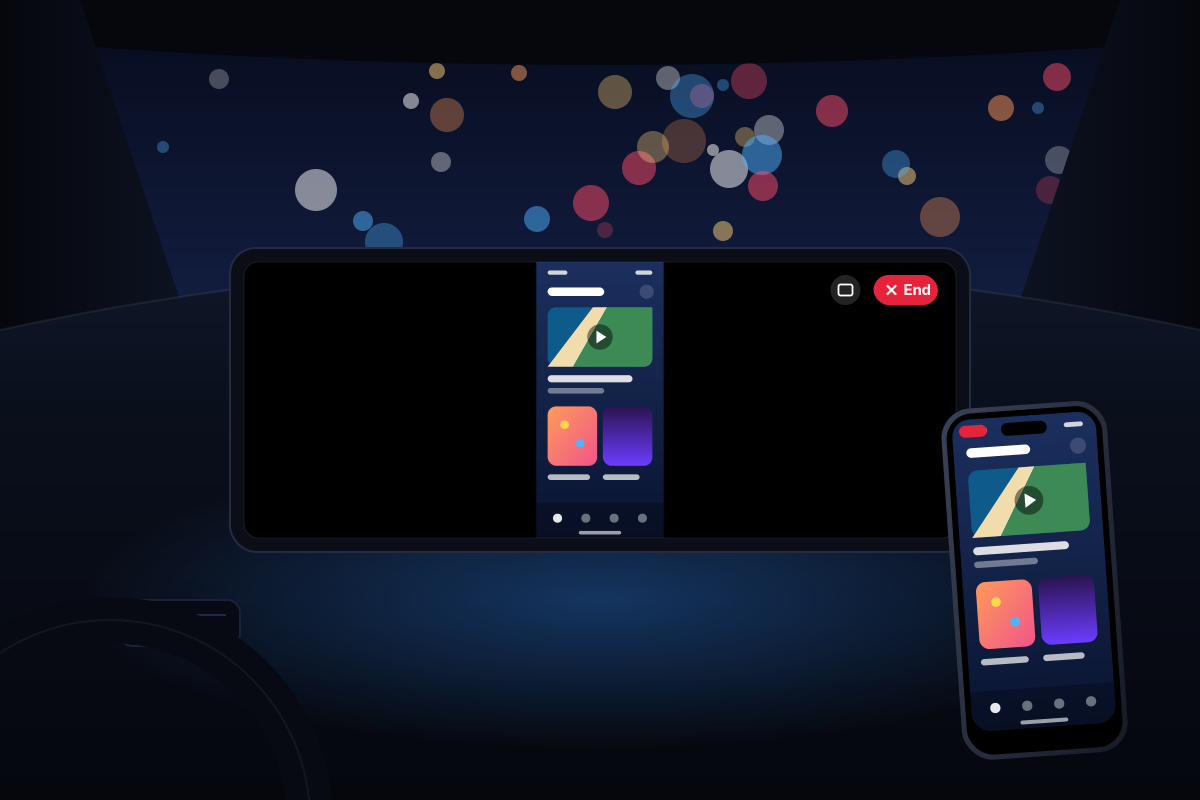
Your iPhone, on the car screen
Cast mirrors your iPhone to the car display, so you can use any app you have there, even apps that don’t work with CarPlay.
Start casting
In CarVue, tap Start casting. Or open Control Center, long-press Screen Recording and choose CarVue.
Watch it in the car
Your iPhone appears on the car screen in full screen and turns when you turn your phone. Adjust the picture with the aspect button.
Tap End when you’re done
Tap End on the car screen, or stop the recording on your iPhone.
- The picture stays between your iPhone and your car. Nothing is recorded or sent over the internet.
- Everything on your screen is shown, including notifications.
For the moments you’re parked
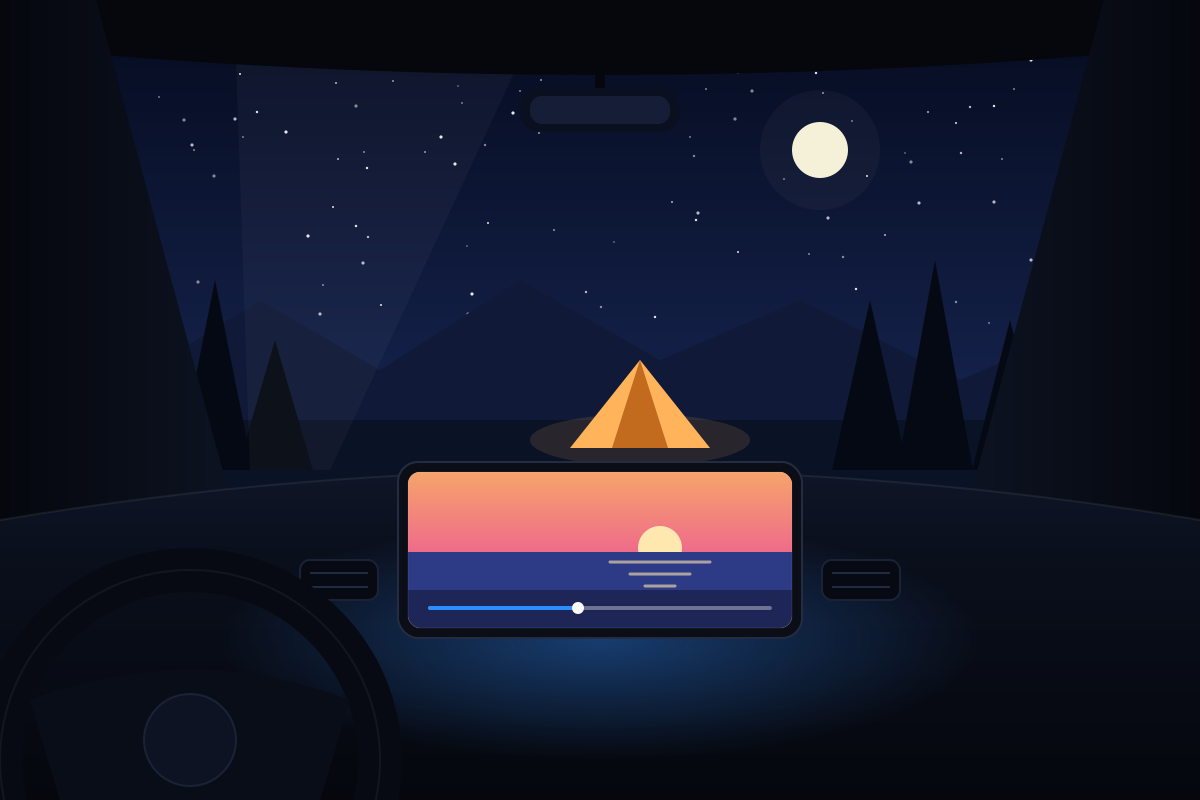
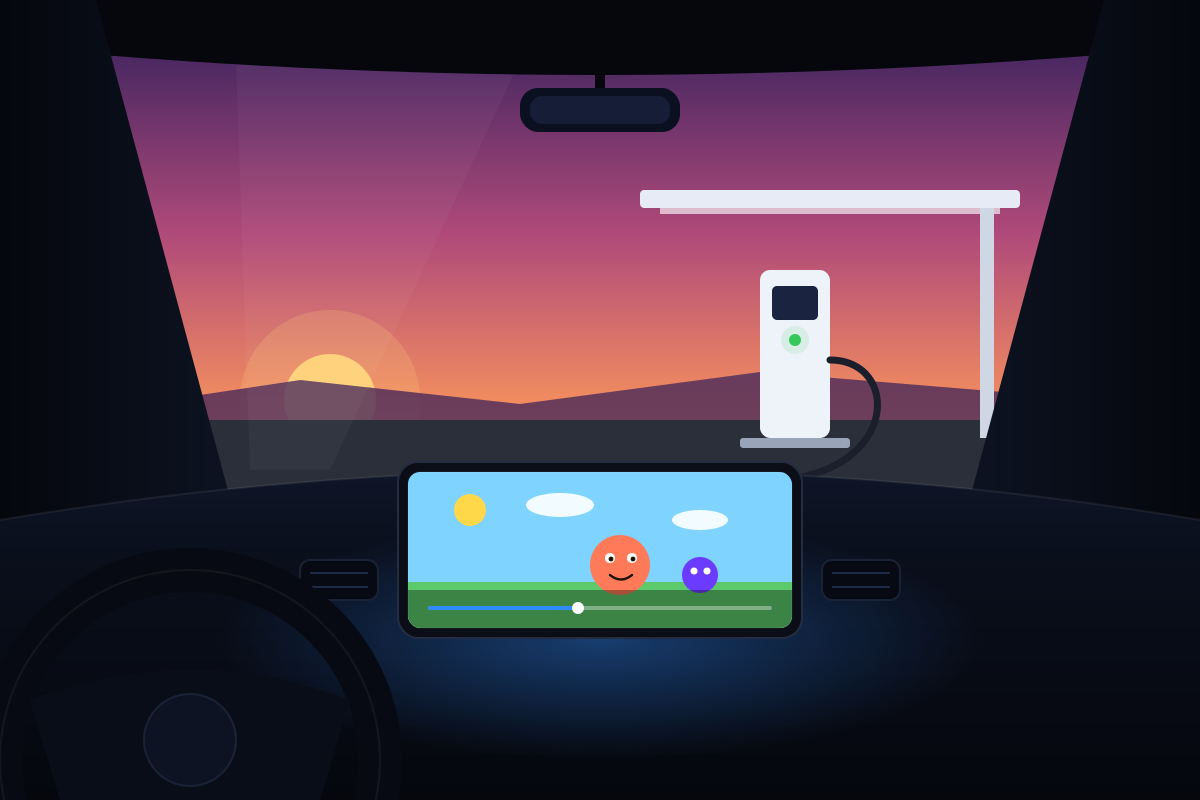
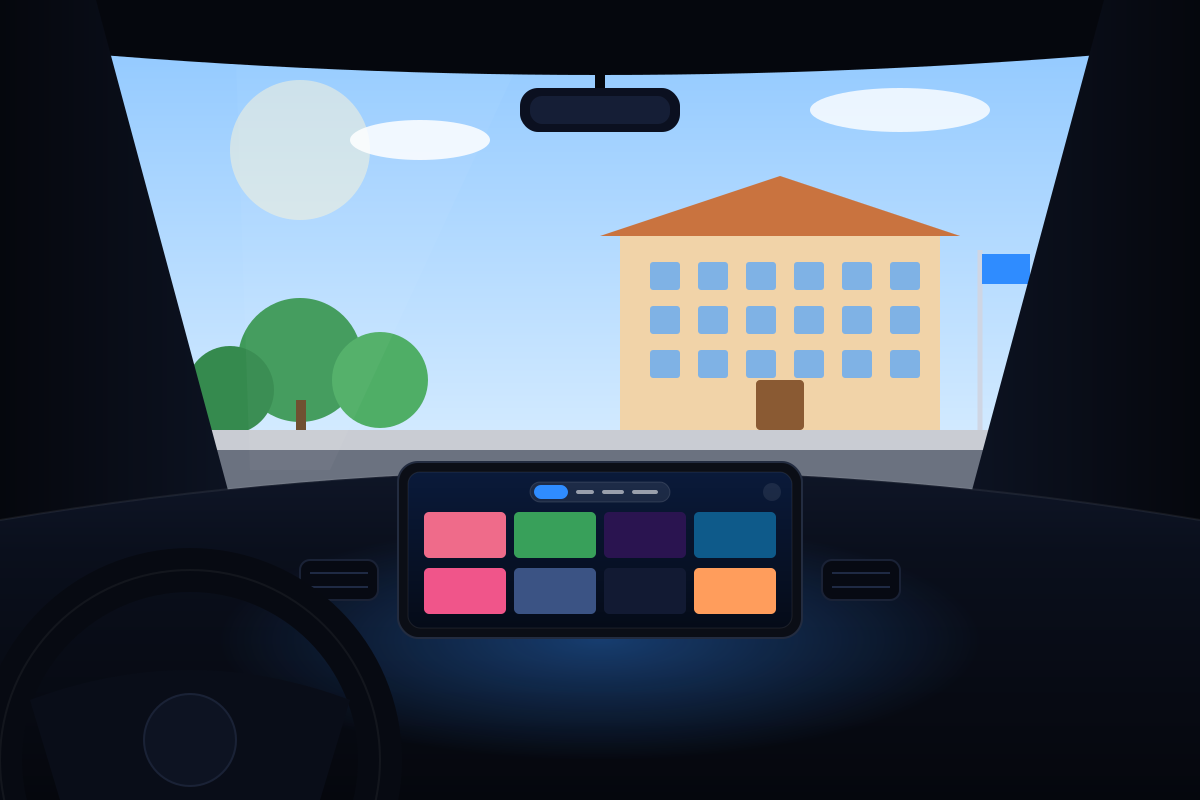
The screen you already have becomes a place to watch, whenever the car isn’t moving.
Pauses when you drive
CarVue uses your iPhone’s speed to pause video on the car screen as soon as the car starts moving. It’s on from the start.
Passenger mode
For when the person watching isn’t the driver. Turn it on in Settings.
Never watch videos while driving. Always follow your local traffic laws.
Questions
Can’t find your answer? Write to support@carvue.app.
Does CarVue come with channels or movies?
No. CarVue is a player: it plays the videos you import and the online sources you add, such as websites, M3U playlists or Xtream Codes accounts. Make sure you have the rights to the content you play.
Which cars work with CarVue?
Any car with Apple CarPlay, wired or wireless. On cars whose CarPlay supports video apps, CarVue shows its full interface. On other cars, it uses the standard CarPlay screens with the system player.
What do I need?
An iPhone with iOS 26 or later and a car with CarPlay.
Which video formats are supported?
MP4, MOV, M4V and HLS play with hardware acceleration. MKV, AVI, TS and most live TV streams play with the built-in VLC engine. If one engine can’t play a video, CarVue tries the other one automatically.
How do I add an M3U playlist or an Xtream Codes account?
- Open CarVue on your iPhone and go to Online.
- Tap Add source.
- Paste the M3U link or choose the file. For Xtream Codes, enter the server, user name and password your provider gave you.
Your source appears in the car with live TV, movies and series ready to browse.
Can I watch while driving?
No. The driver should never watch videos. CarVue pauses video on the car screen when the car moves. Passenger mode is only for when the person watching isn’t the driver.
Do I need to create an account?
No. There’s no sign-up. Everything you add stays on your iPhone.
Something isn’t working. How do I get help?
In CarVue, go to Settings › Help and report the problem. It attaches the technical details we need. You can also write to support@carvue.app.
How do you pronounce CarVue?
Like “Car View”: the screen in your car, with a view of your videos.

Take your videos for a ride.
Download CarVue for free and try it in your car.